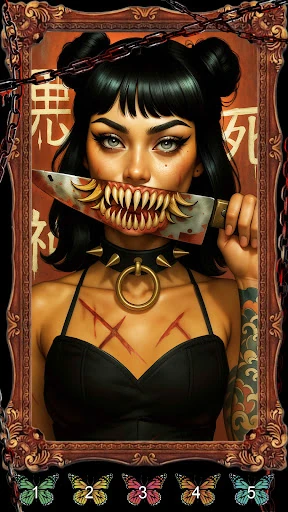
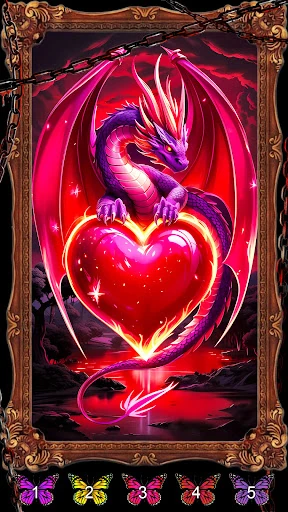
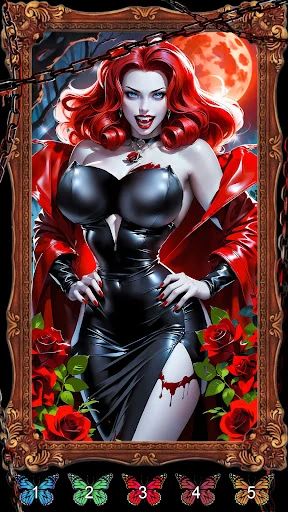
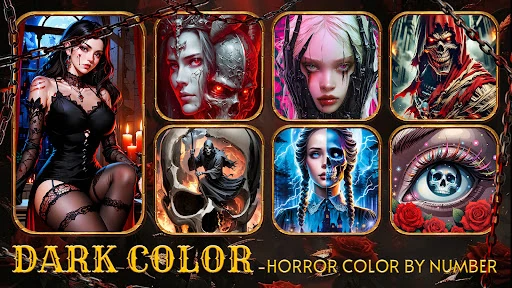
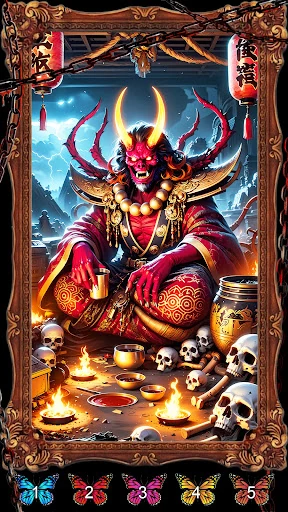
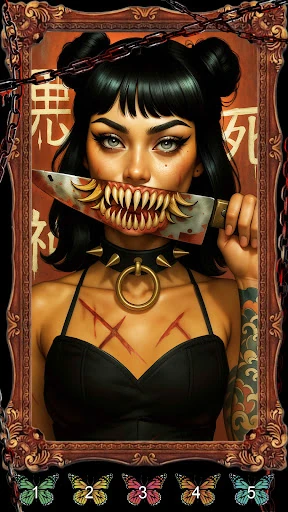
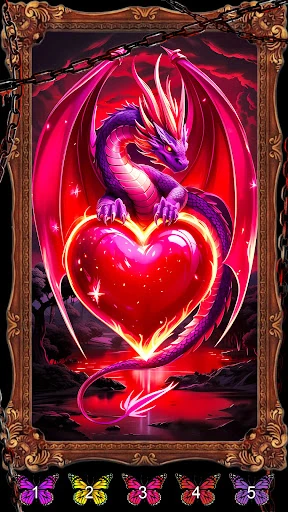
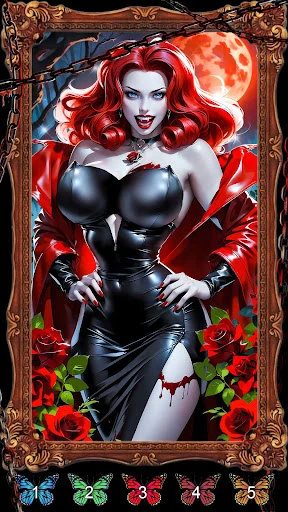
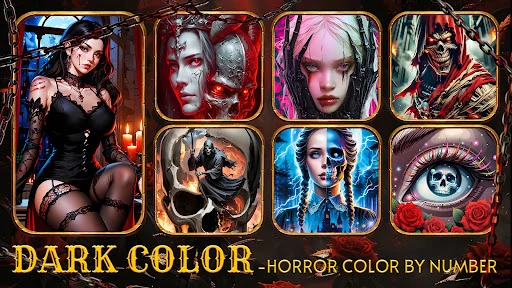
Dark-themed coloring by number
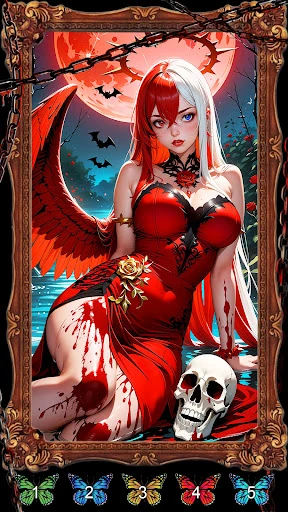
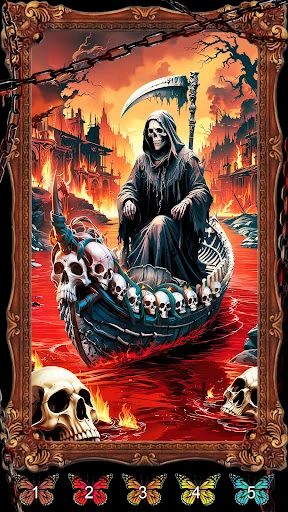
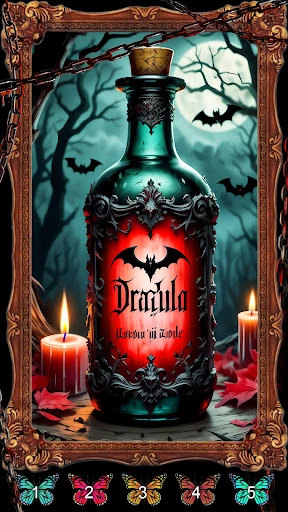
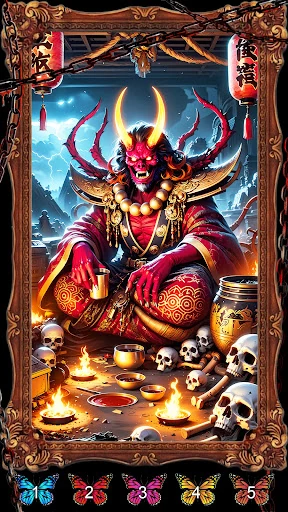
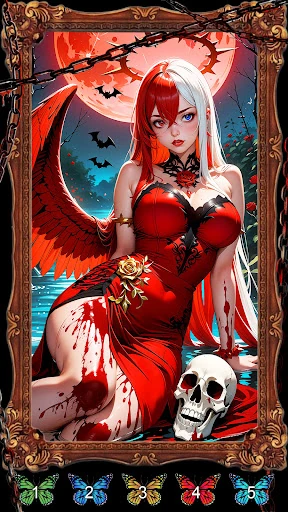
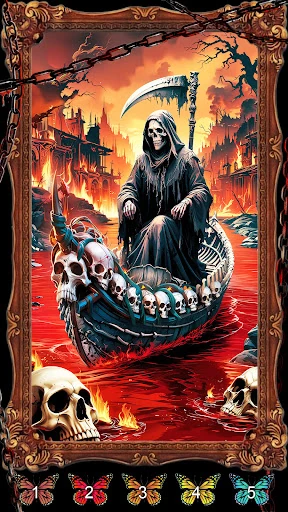
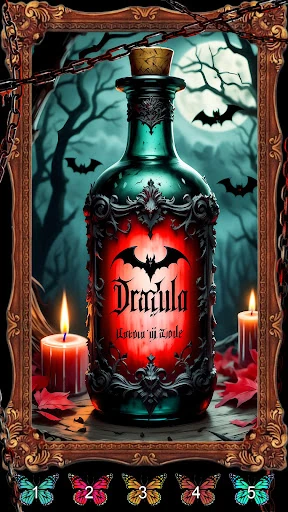
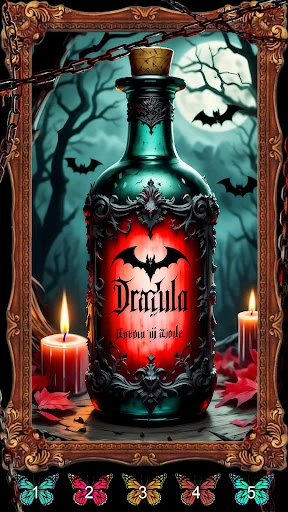
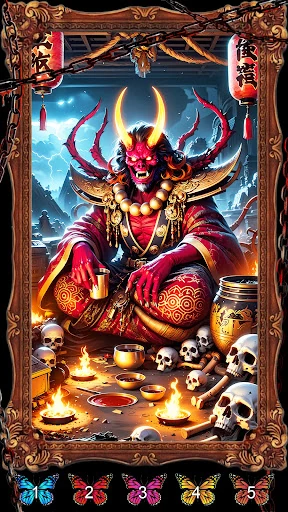
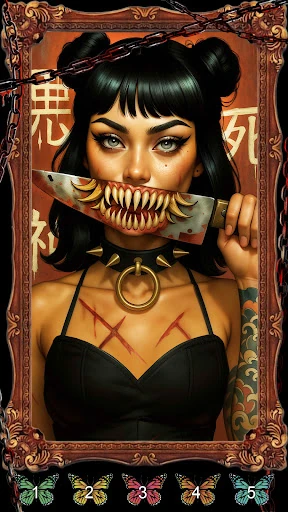
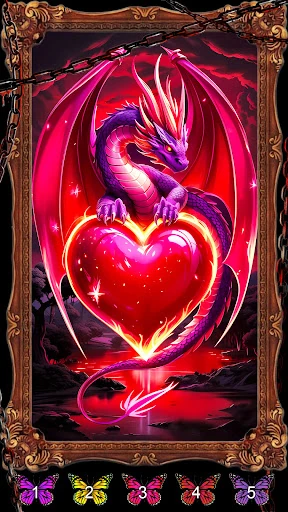
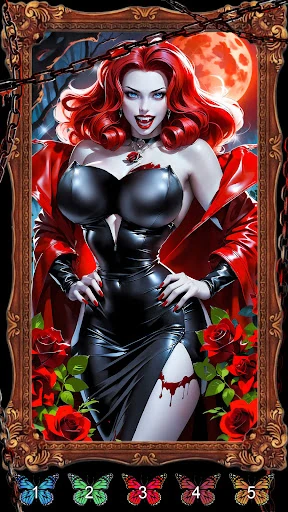
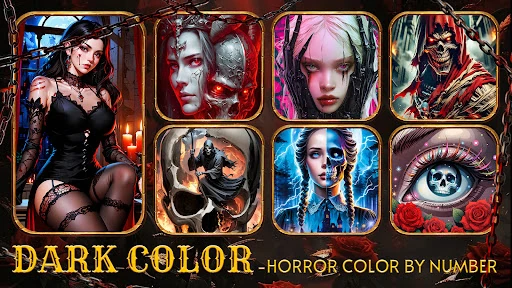
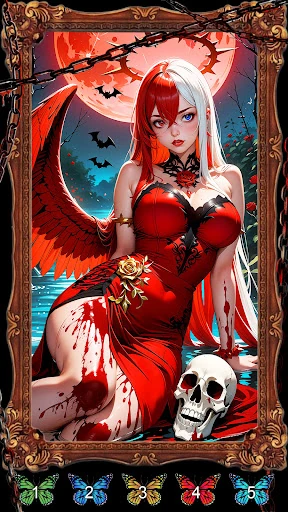
Dark, Horror Color by Number turns illustrated horror and gothic scenes into tap-to-fill coloring puzzles. Choose a picture and color its numbered areas to complete the image; the themes described include vampires, zombies, demons, ghosts and skulls. It suits people who enjoy low-pressure, guided coloring and are comfortable with spooky imagery. It is listed in the Board category.
What the numbers say
Fancy Games Studio is the developer. The app has a 4.7-star rating from 44,851 ratings and more than 5 million installs. That gives a sense of how widely it has been used, but ratings do not tell you whether its ads, art style or pace will suit you.
Check the costs and access
- Room on your phone: The supplied details do not give an app size. Check the current listing before downloading, especially if storage is tight.
- Extras: The available information does not clarify whether there are in-app purchases or which pictures may be free. Look for purchase details, and see whether the app asks for payment as you browse or color.
- Account: It is not clear whether you need to sign in. Check what the app requests when you first open it if you prefer not to create an account.
Before you tap install
The app’s central activity is coloring by number, not freehand drawing. That may suit a short, structured break, but the horror subjects and any accompanying audio described for the app may not be welcome in every setting. The supplied facts do not list its Android permissions, so check the permission prompts and decide whether each request makes sense for a coloring app. If you want a calm palette, gentle imagery or a clear picture of costs before opening an app, verify those details first.