Calls Blacklist - Call Blocker
Enchan Li
Downloads
10,000,000+
Source
Google Play
Advertisement
Click to download now, finish the installation quickly, and directly unlock the all-round experience
Advertisement
Screenshots
Click to download now, finish the installation quickly, and directly unlock the all-round experience
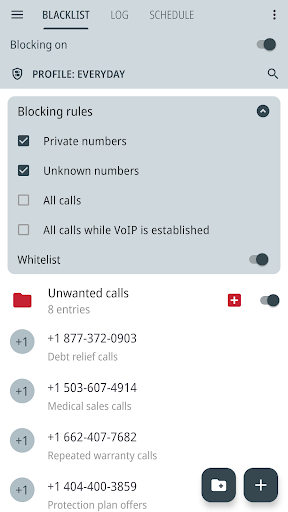
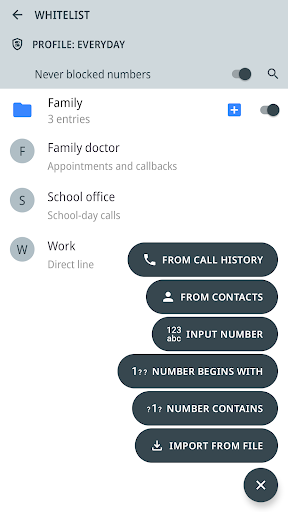
Calls Blacklist - Call Blocker lets you block calls from selected numbers, hidden caller IDs, or numbers that are not saved in your contacts. It suits people who want to screen calls using their own rules, while keeping a whitelist for numbers they still want to hear from. The app is by Enchan Li and has a 4.5 rating from about 857,000 reviews, with 10,000,000+ installs.
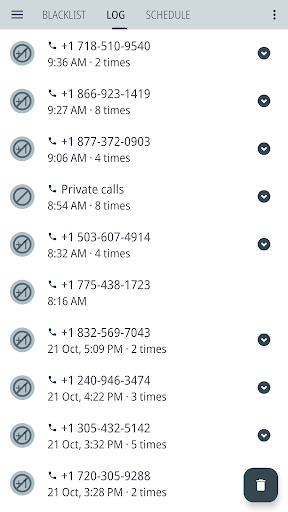
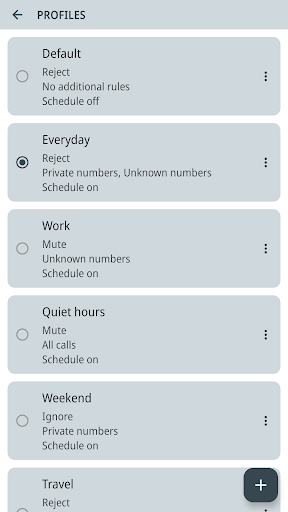
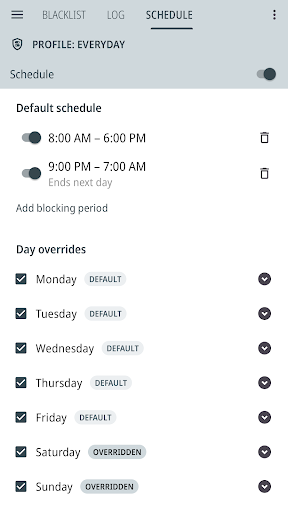
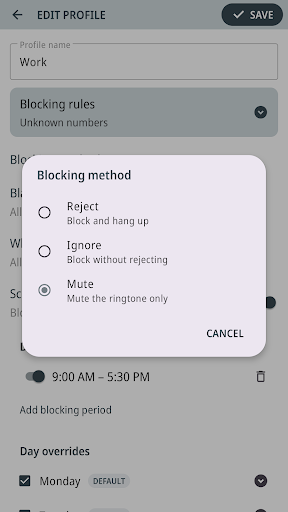
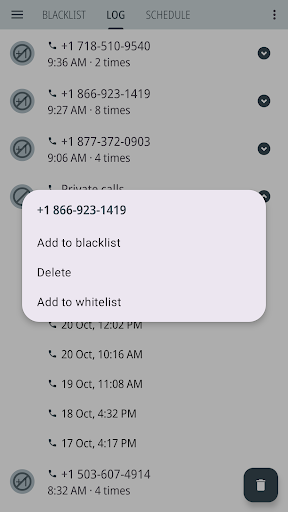
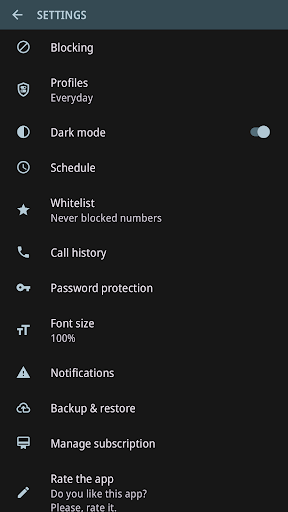
Add numbers to a blacklist manually or from contacts, and use digit or prefix rules to catch groups of numbers. You can also save different blocking profiles, for example for work or sleep, and schedule when a profile is active. Blocking options include rejecting a call, ignoring it, or muting its ringtone. The app keeps a log of blocked calls so you can review them later.
If you only need to silence a few callers, the blacklist may be enough. If you plan to block unknown callers or use schedules, make sure your whitelist includes important numbers so those calls are not caught by your rules. This is a call-management tool, so take a moment to review its access requests and settings before relying on it to screen calls.