Advertisement
Click to download now, finish the installation quickly, and directly unlock the all-round experience
Advertisement
Screenshots
Click to download now, finish the installation quickly, and directly unlock the all-round experience
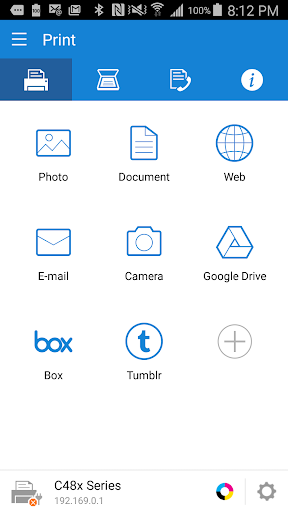
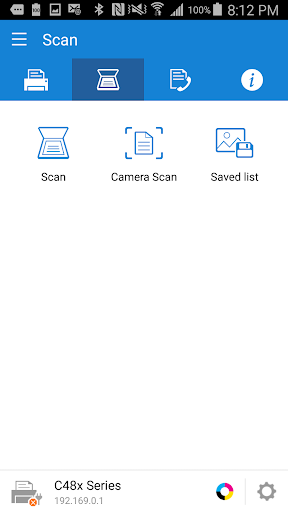
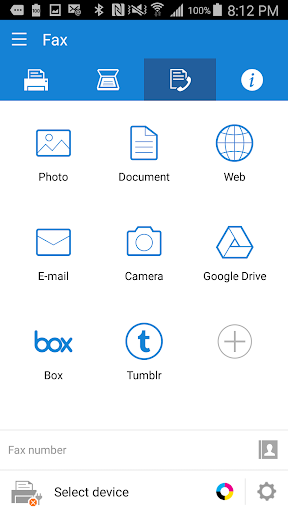
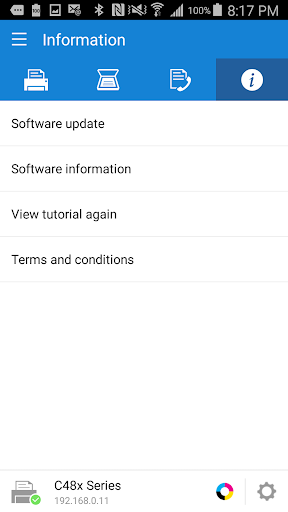
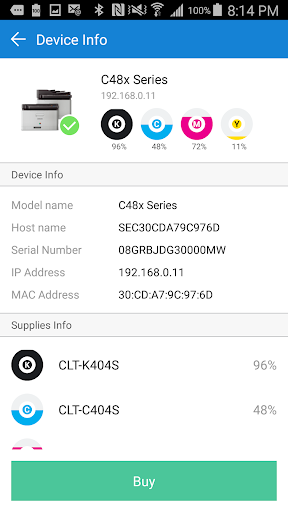
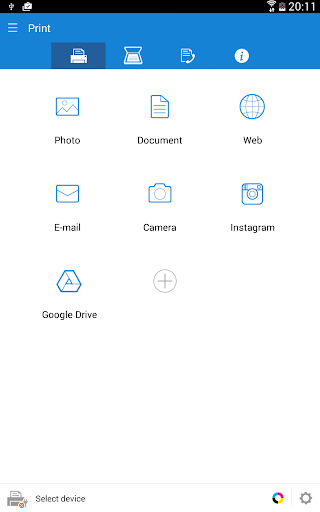
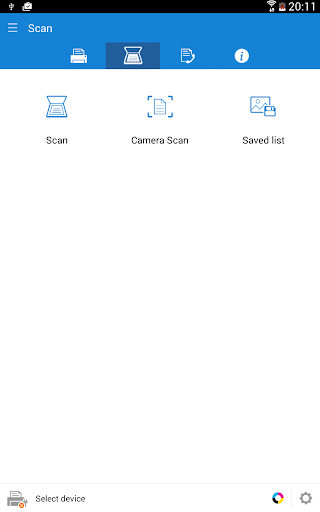
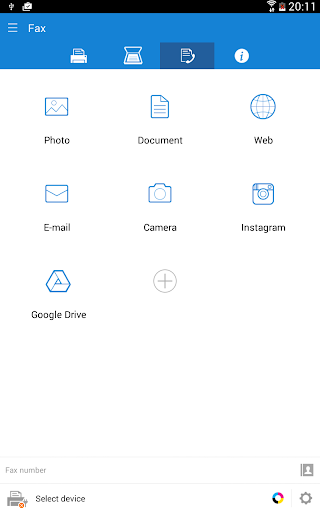
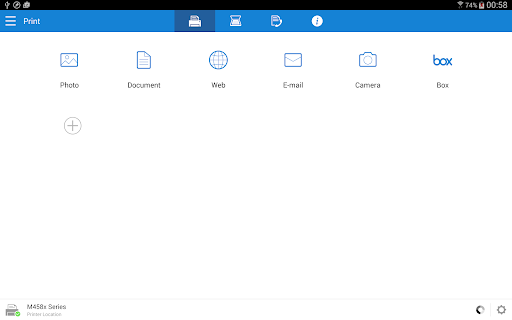
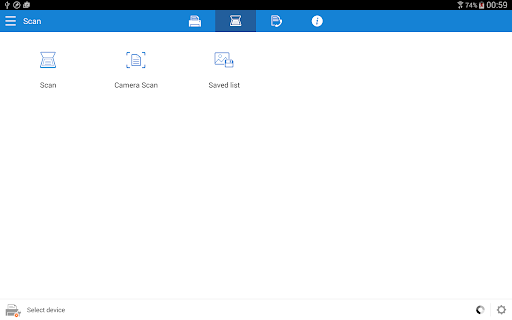
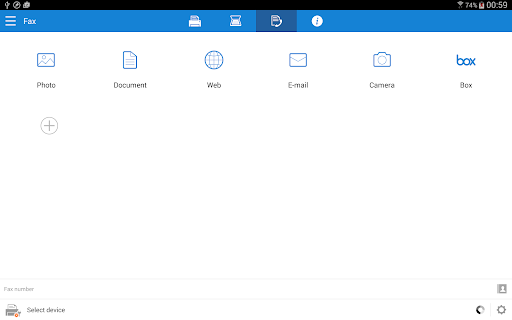
Samsung Mobile Print lets you send documents, photos, emails and web pages from an Android phone or tablet to supported Samsung printers. It can also scan from compatible network multifunction printers, and fax from supported network devices. The app is for people who already use a Samsung printer and want to handle basic print or scan jobs without moving files to a computer.
It can work with content stored in services such as Google Drive and Dropbox, as well as files on your device. Scans can be saved as PDF, PNG or JPG. Support depends on the printer model and connection; this is not a general-purpose app for printers from other manufacturers.
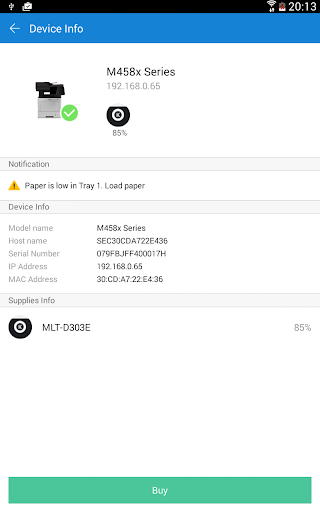
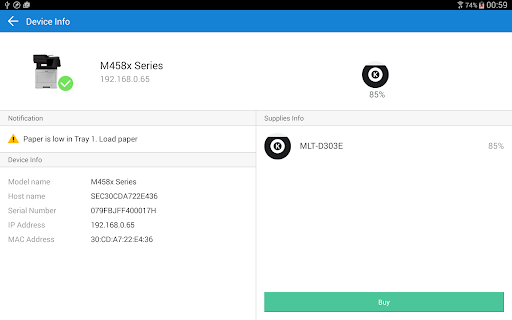
The supported list covers many Samsung printer families, but the model still matters. Scanning and faxing are limited to supported network devices, and the available paper size depends on the printer. If you need a particular feature, confirm that your exact model supports it before making this your regular print method.
If you have a listed Samsung printer and want phone-based printing or scanning, this app may fit. If your printer model is uncertain, or you need clear information about permissions, account sign-in or charges before committing, verify those points first.